
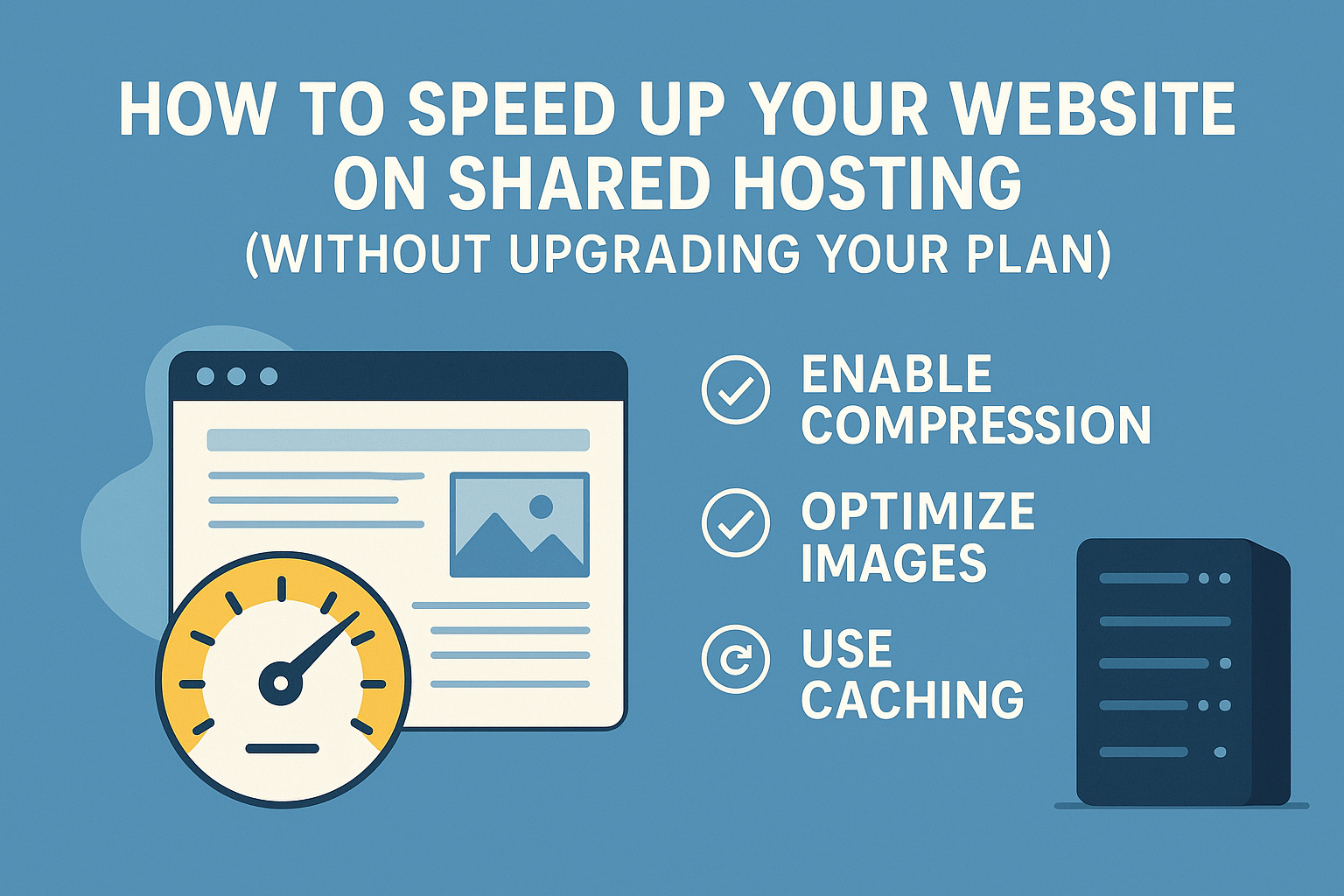
If you’re running your website on a shared hosting plan, you’re already saving a lot compared to VPS or dedicated servers. But sometimes, speed can become a concern — especially if your site starts to grow.
The good news? You don’t need to upgrade right away. There are several easy (and free) ways to make your website load faster, even on a shared hosting plan like the one you get at iHosting.pk. we provide cloud hosting on world best datacenter.
Here’s how you can boost your website speed without spending extra:
1. Use a Lightweight Theme
If you’re using WordPress or any CMS, make sure your theme is lightweight and optimized for speed. Avoid heavy themes with too many animations, scripts, or unnecessary features.
Recommended Themes:
- Astra
- GeneratePress
- Neve
2. Install a Caching Plugin
Caching plugins create static versions of your web pages and serve those to visitors. This reduces server load and speeds up load times.
Popular WordPress Caching Plugins:
- LiteSpeed Cache (best if you’re using LiteSpeed server – we support it at iHosting.pk!)
- WP Super Cache
- W3 Total Cache
3. Optimize Your Images
Large image files slow down your site. Use compressed images and proper formats like WebP or JPEG.
Tools to optimize images:
- TinyPNG
- Smush (WordPress plugin)
- ShortPixel (plugin with auto compression)
Clean Up Unused Plugins and Themes
Too many active plugins can slow down your site and even cause conflicts.
- Delete any unused plugins or themes.
- Only keep essential, well-coded plugins.
5. Use a CDN (Content Delivery Network)
A CDN stores your site’s static files (like images, CSS, JS) on servers around the world. It delivers them to users from the nearest server, reducing loading time.
Free CDN Options:
- Cloudflare (also provides security)
- Jetpack CDN (for WordPress users)
6. Minify CSS, JS, and HTML
Minification removes unnecessary code (like spaces and comments) from your files. This makes them smaller and faster to load. Most caching plugins (like LiteSpeed Cache) offer minification features. Just enable them from the plugin settings.
7. Monitor Your Performance
Use tools to test your website speed and identify what’s slowing it down.
Popular Free Tools:
- Google PageSpeed Insights
- GTmetrix
- Pingdom Tools
Final Thoughts
You don’t need to upgrade to expensive hosting just to make your website faster. By following the tips above, you can significantly improve your website speed — even on our affordable shared hosting plans at iHosting.pk. Faster websites mean better SEO, lower bounce rates, and happier visitors. And the best part? You can start optimizing right now — for free.
Want help optimizing your site? Contact us and our team will guide you!